
Allow Thunderbird to archive proton emails
2026-04-03 Tags: thunderbird proton email
If you get a Operation Not Allowed error when archiving emails in Thunderbird when using Proton Bridge, try to update your account settings in Thunderbird.
- Open
Settings. - Open
Account Settings. - Select your bridge account.
- Open
Copies & Folders. - Go to the
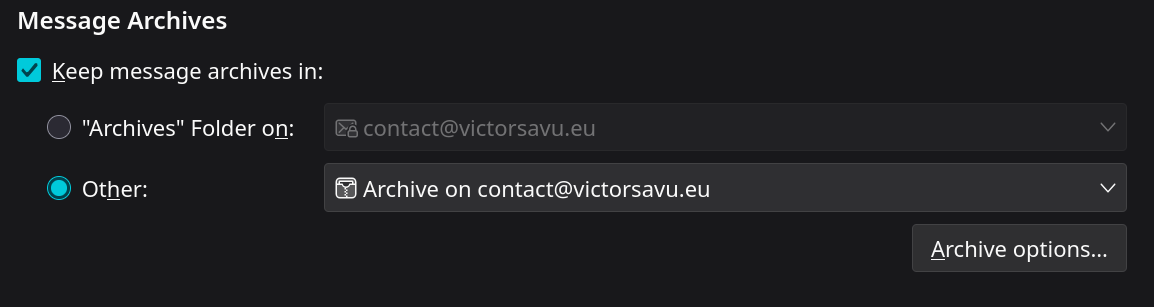
Message Archivessection and select your archive folder in Proton.
Thank you years old reddit question and the reply from ProtonMail.